Spoilt for choice: the right open source CMS for the public sector
Institutions, NGOs, museums and the public sector face the challenge of managing their digital content, messages and information effectively and reaching their target groups. We present the four most important open source CMS for your digital presence.
- Author:
- Nathalie Karzel
- Reading time:
- 4 minutes
- Date:
- 22 Nov 2024

Table of Contents
In the digital space, not only commercial companies, but also institutions, NGOs, museums and the public sector are faced with the challenge of effectively managing their digital content, messages and information and reaching out to their stakeholders. Open source content management systems (CMS) offer flexible and customizable solutions that help these organizations meet their specific needs for their digital presence, the website. In the following, we present four important open source CMS that are frequently used in Germany and look at both their advantages and disadvantages as well as special features that are important for institutions.
Why a specific CMS solution?
Institutions and operators of public sector websites usually have special requirements for security, easy administration and quick learning of the respective CMS solution for their employees. In addition, museums, NGOs and institutes offer just as diverse multimedia content as the private sector in order to communicate brands, offerings and experiences in an attractive way. The ability to integrate special tools for events, ticket sales or databases can also be requirements for the integration of a high-performance CMS.
Here is an overview of the top five CMS systems for institutions, NGOs or other public sector companies:
1. WordPress — the popular and globally used open source CMS
WordPress is now used not only for simple blog systems. It is also suitable for more complex websites and offers a high level of flexibility, particularly through a wide range of plug-ins that can be used to quickly and easily expand many functions. But be careful, the offensive use of plug-ins in particular can reduce the performance of the website and lead to high maintenance costs.
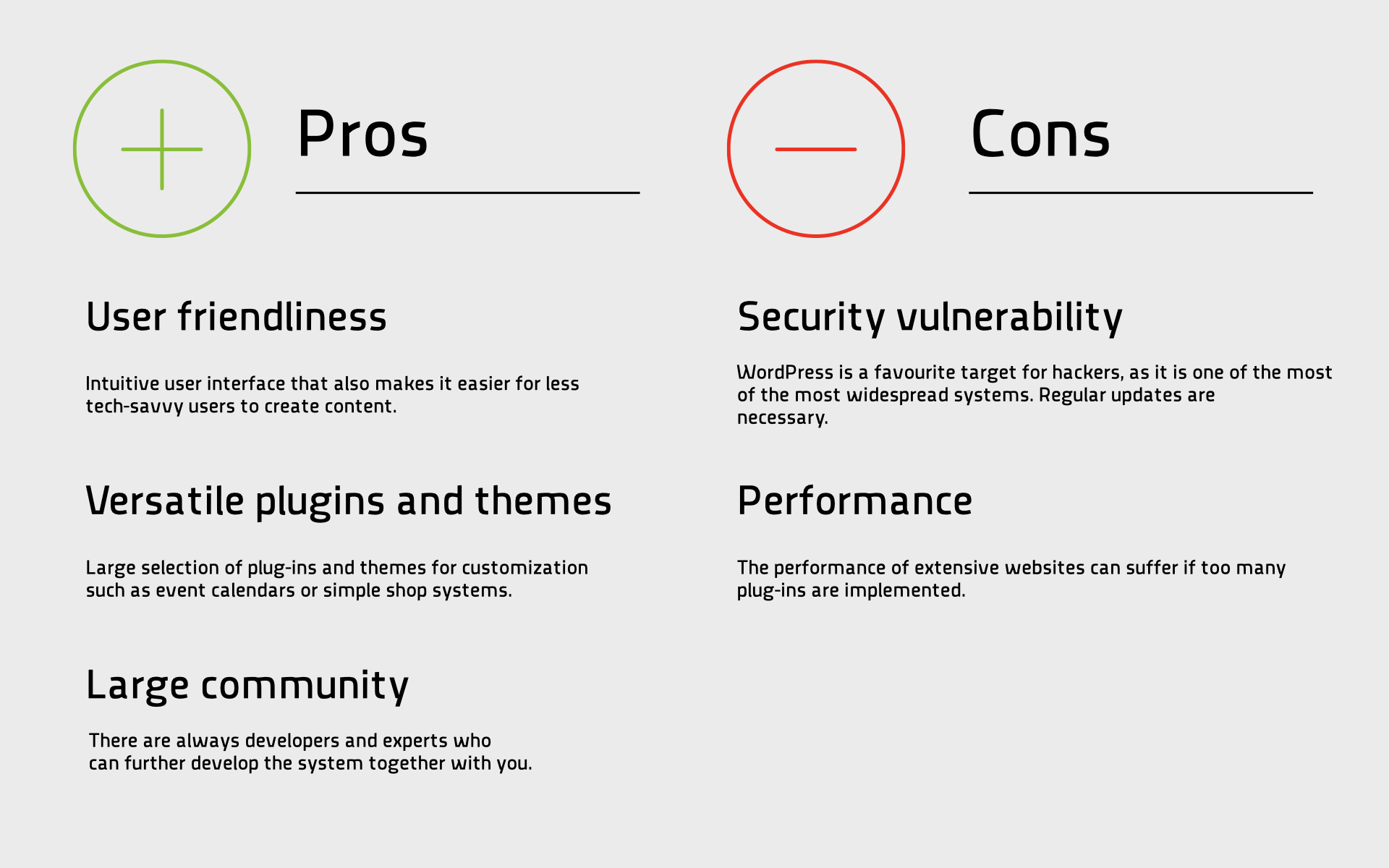
Special feature: With plug-ins such as “The Events Calendar,” museums and cultural institutions can effectively manage and promote their events, exhibitions, and workshops. This increases visibility and promotes visitor numbers.
2. TYPO3 – for large, complex applications up to the enterprise level range
TYPO3 is particularly widely used in Germany and Denmark. It can easily be used for large corporate websites and portals and offers comprehensive options for expansion.
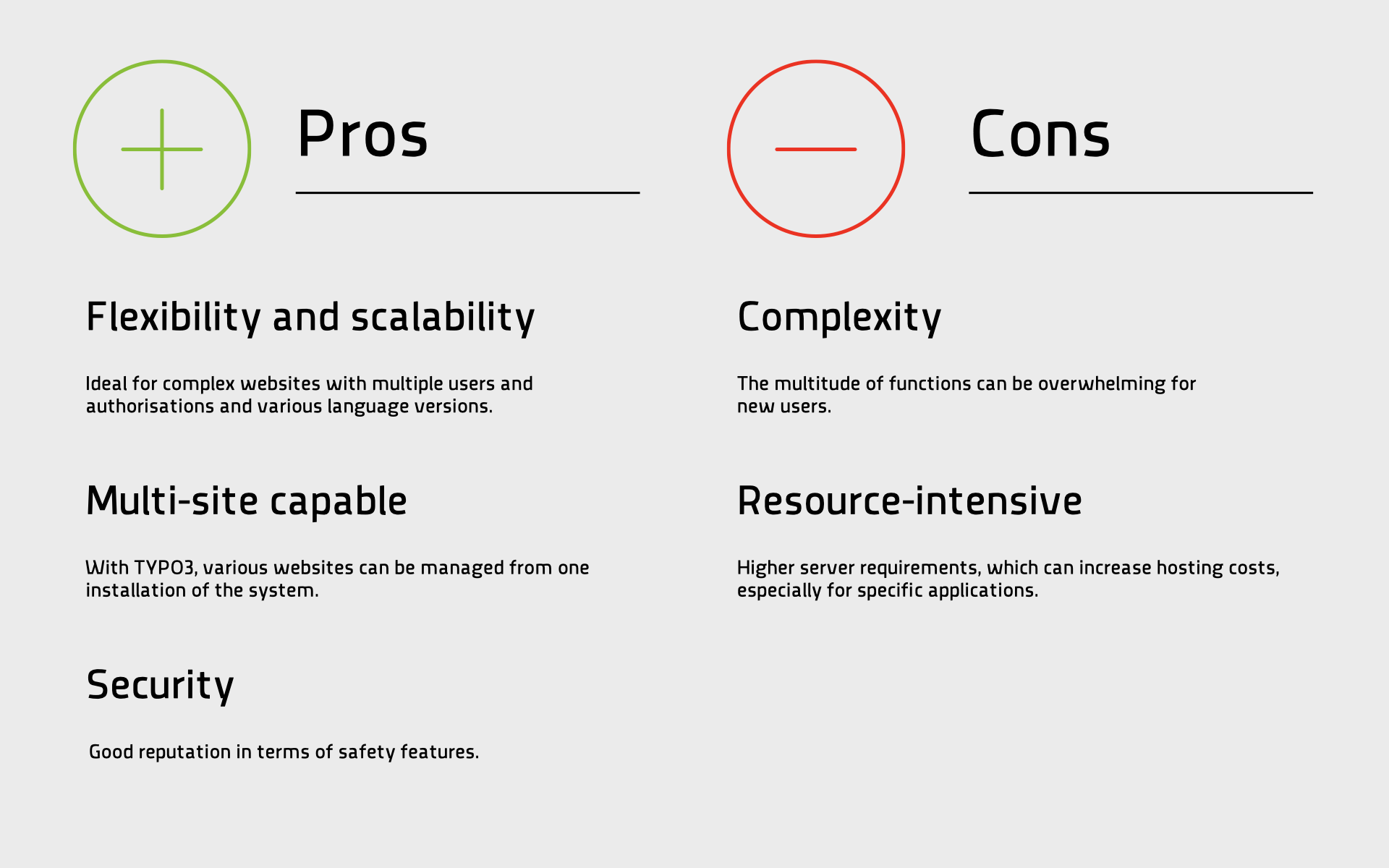
Special feature: TYPO3 provides comprehensive support for multilingual content and enables differentiated user management, which improves collaboration within the institution.
3. Drupal – comprehensive and modular CMS
Drupal is used worldwide for many corporate websites. It offers a variety of modules, which can also be selectively added to your own system and can therefore be used in a particularly modular manner.
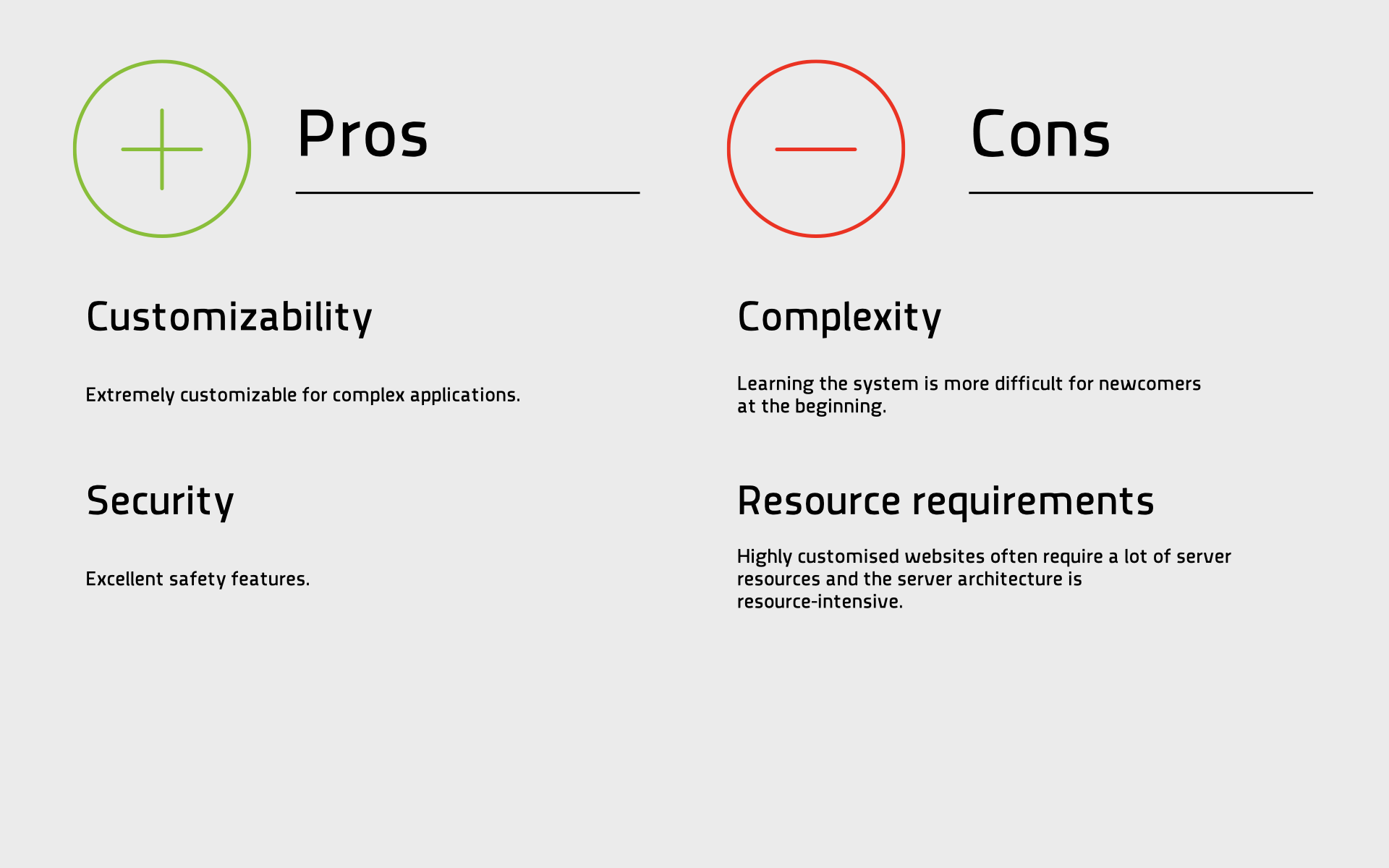
Special feature: Drupal enables effective content search and offers advanced search modules that enable multi-faceted search and custom results, which is particularly beneficial for educational institutions and archives.
4. Joomla! – widespread all-round talent
Joomla! can also be used as a content management system (CMS) without further license costs. In addition to WordPress, it is one of the most used CMS on the market. Beginners as well as experienced users usually find their way around without major problems.
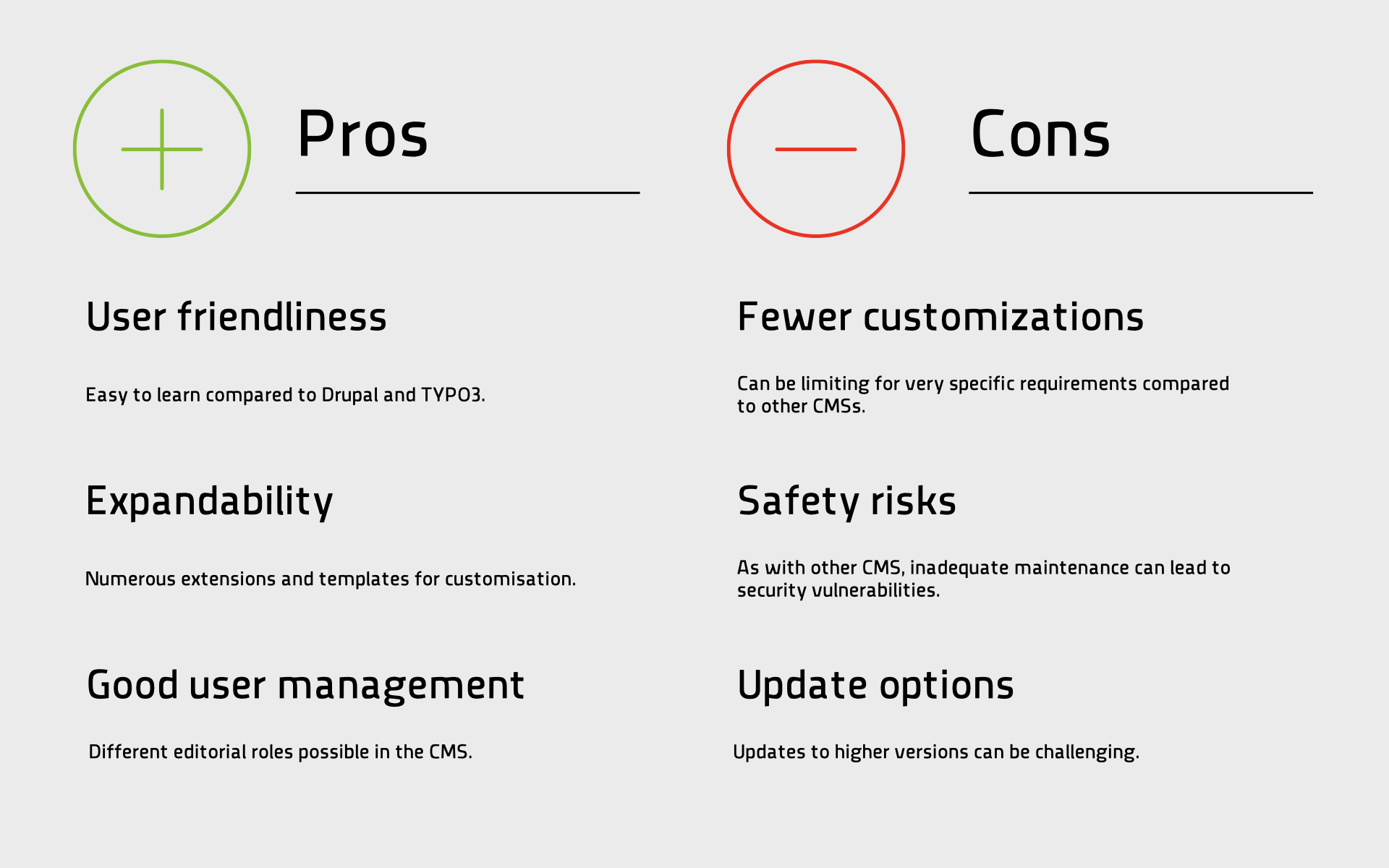
Special feature: Joomla! With plugins such as “VirtueMart”, enables the integration of online shops, which is particularly useful for cultural institutions that (want to) sell merchandise or tickets.
The agony of choice
When selecting the appropriate CMS, we take a systematic approach to ensure that the specific requirements of your institution are optimally met. Together with you, we analyse several key aspects to precisely define the specific requirements of your institution. This includes:
- Users: Who should use the CMS how and when — the internal view of users. But the assessment of who the main users of your website or platform are is also relevant.
- Content types: What types of content do you want to deliver? This includes texts, images, videos, event information, online shops or interactive elements. Different content requires different features.
- functionalities: What specific features do you need? For example, event management, an e-commerce system, multilingual support, or advanced search capabilities could be required.
- Technical requirements: Which technical requirements are necessary? Here, we look at aspects such as hosting, server capacities and integration with existing systems such as CRM or mailing systems.
- User management: How many users will access the platform and what permissions do they need? Differentiated user management is important for internal workflow and security.
- Future expansions: What are your long-term plans for the platform? It is crucial to select a CMS that supports future requirements and expansions.
Through this comprehensive analysis, we ensure that the chosen CMS is optimally tailored to the needs of your institution.
Conclusion
Choosing the right open source CMS is crucial for your institution’s success in the digital space. Each of the systems presented has its advantages and disadvantages as well as specific features that are tailored to different needs.
If you do not yet have a preference for a suitable CMS to meet your specific requirements, we can help you prepare the key decision parameters with preliminary planning.
We offer comprehensive advice, support from implementation to complete rebuilding or relaunch of your website and help you successfully implement your digital strategy. contact usto learn more about how we can help your institution achieve an effective digital presence.